No Scan Data Outside of Calibration Card
-
I am having the weirdest problem! The Three has been sitting off in a corner waiting for the right project to come along and I found one this afternoon. I'm trying to scan one of the inserts from my dash. It's roughly 17" x 8" x 3" and mostly empty space. Using the turntable and following the calibration instructions, it starts with the part, then we add the large calibration card but of course the card is narrower than the part. Calibration is successful! Scanning the model 360°, the sides are cut off! I tried AESUB, scan dots, changing the distance between the scanner and turntable until the cable was taut. Nada. Every single time, whatever was exposed outside of the calibration card during that step, was ignored during the scan.
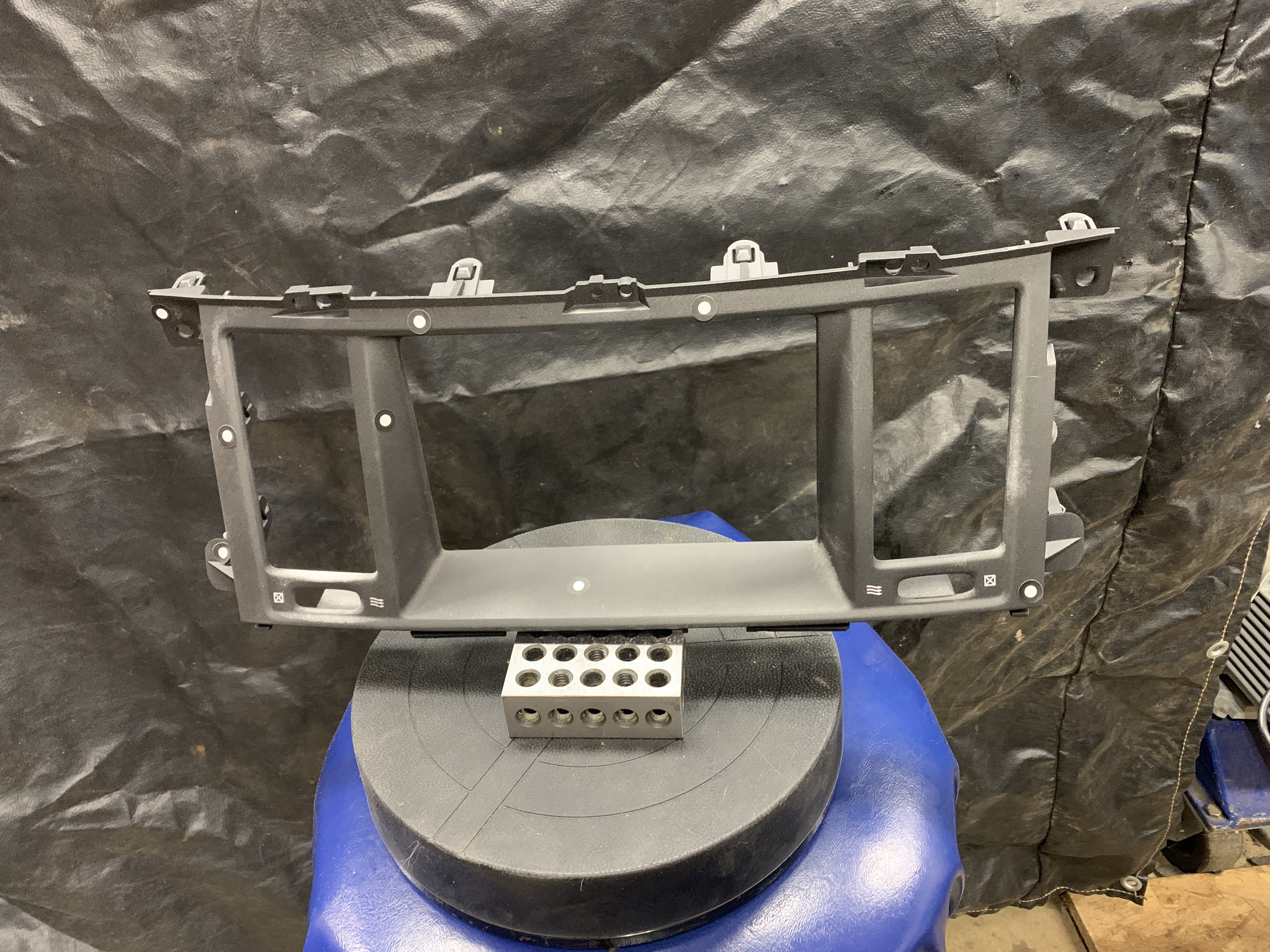
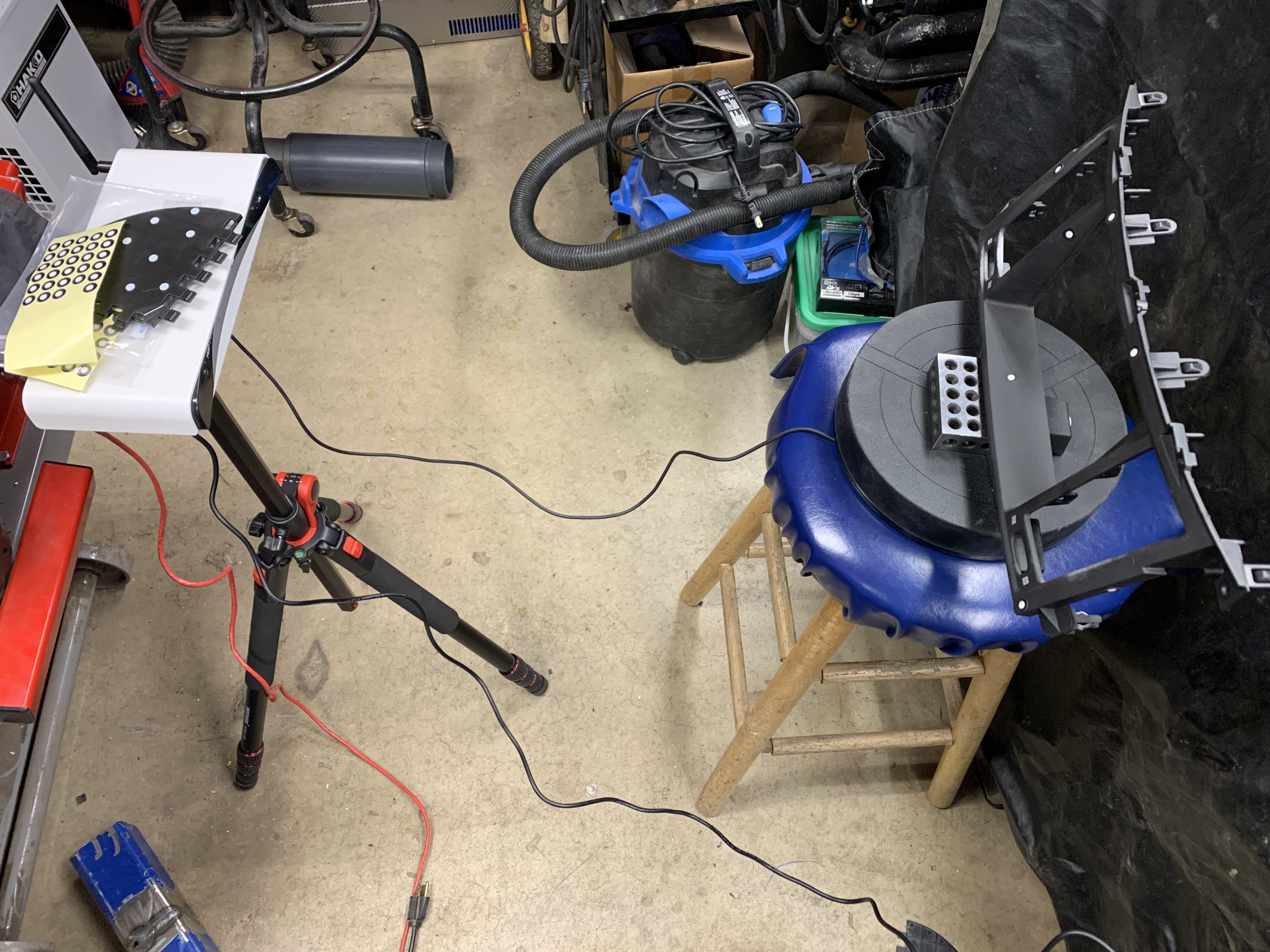
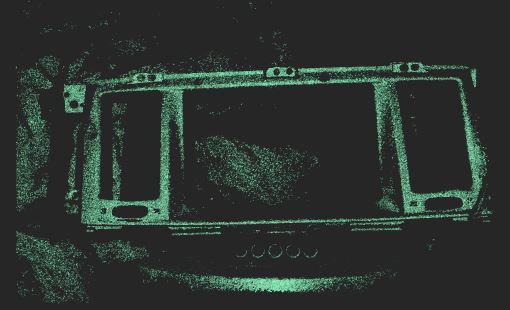
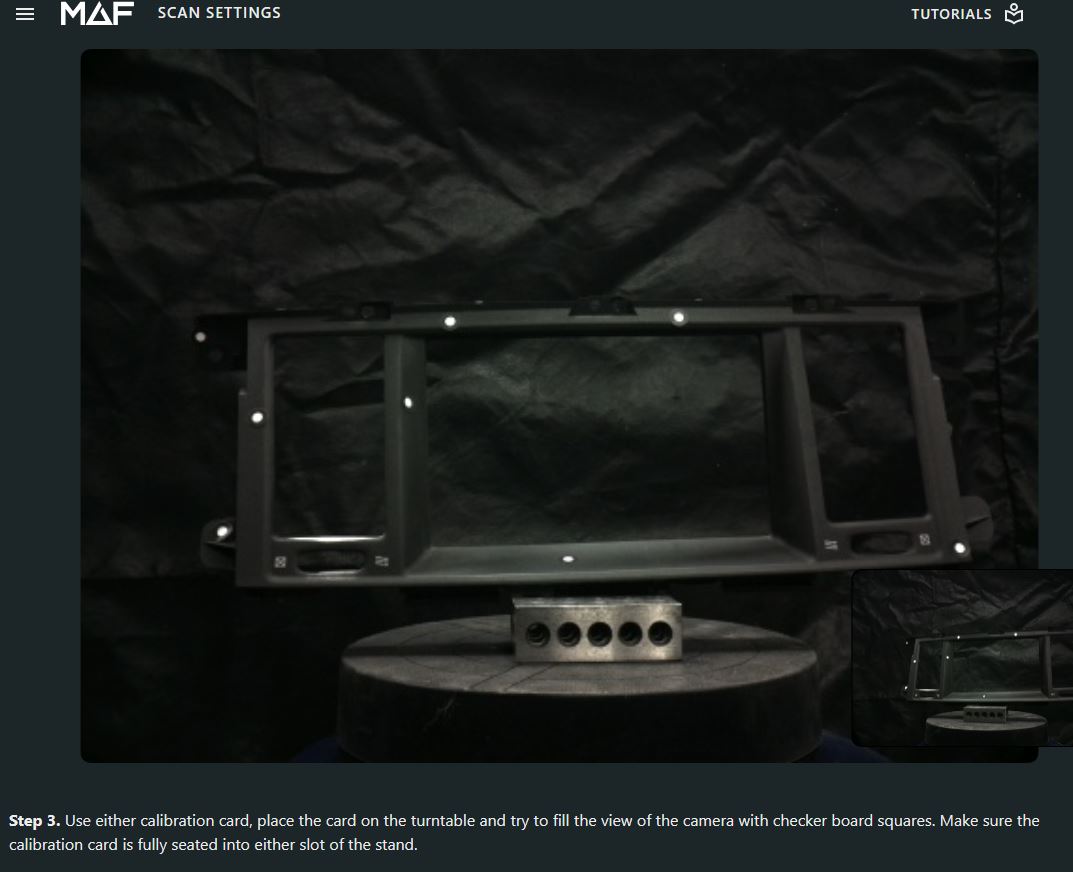
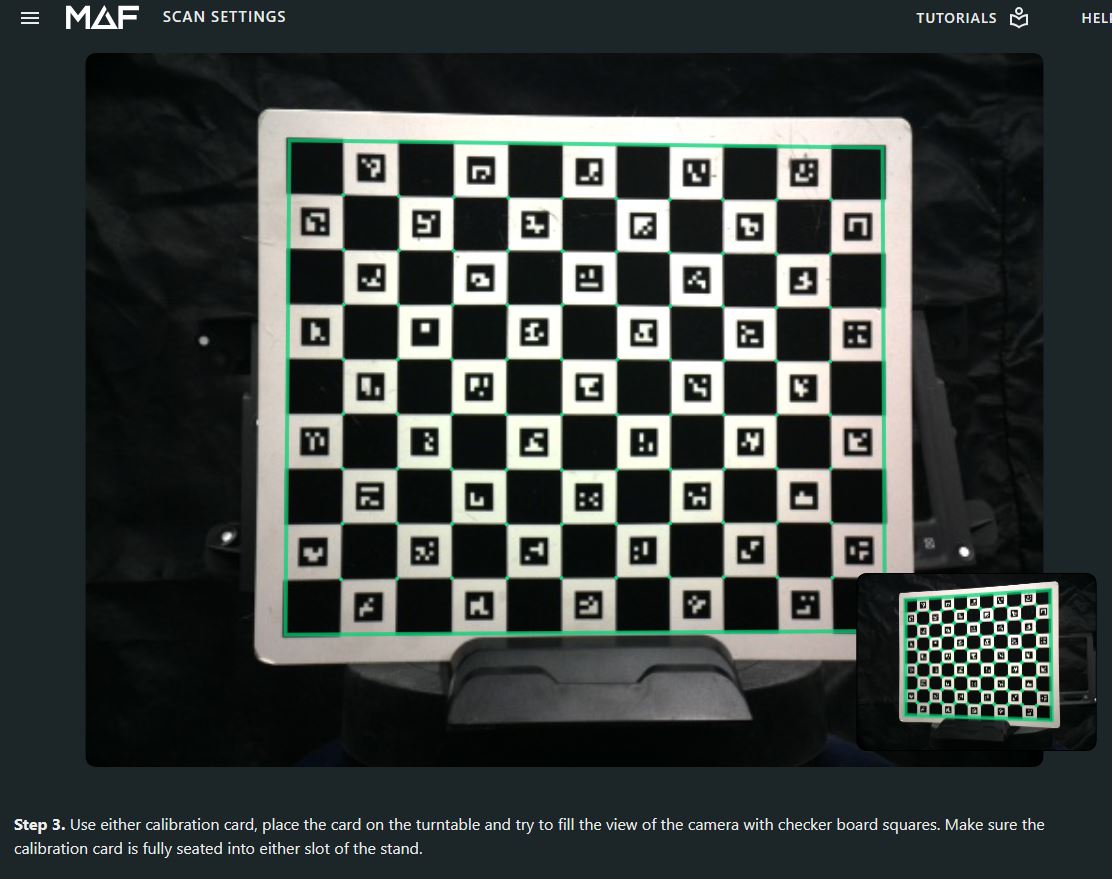
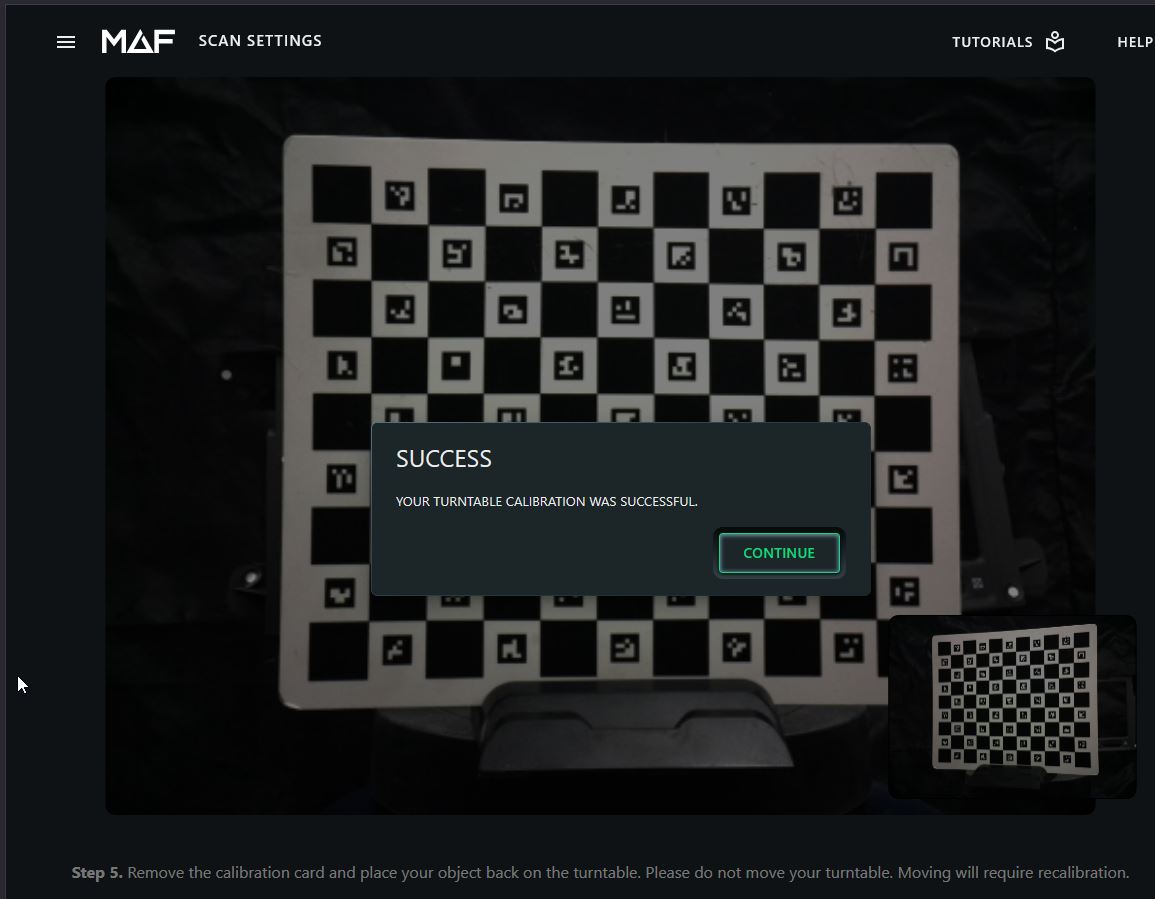
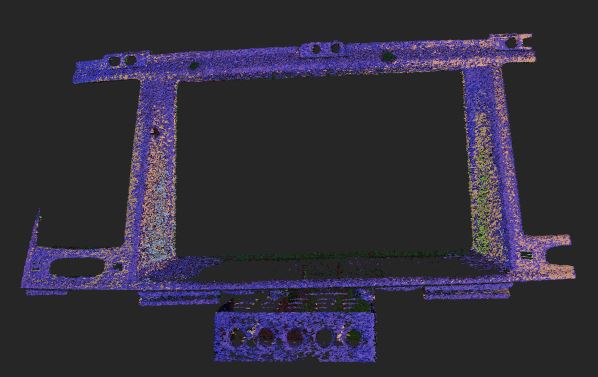
No settings changed, the part isn't removed from the calibration table - it's in the identical position because it never moves. Suddenly, no sides.
-
Hi Andrew,
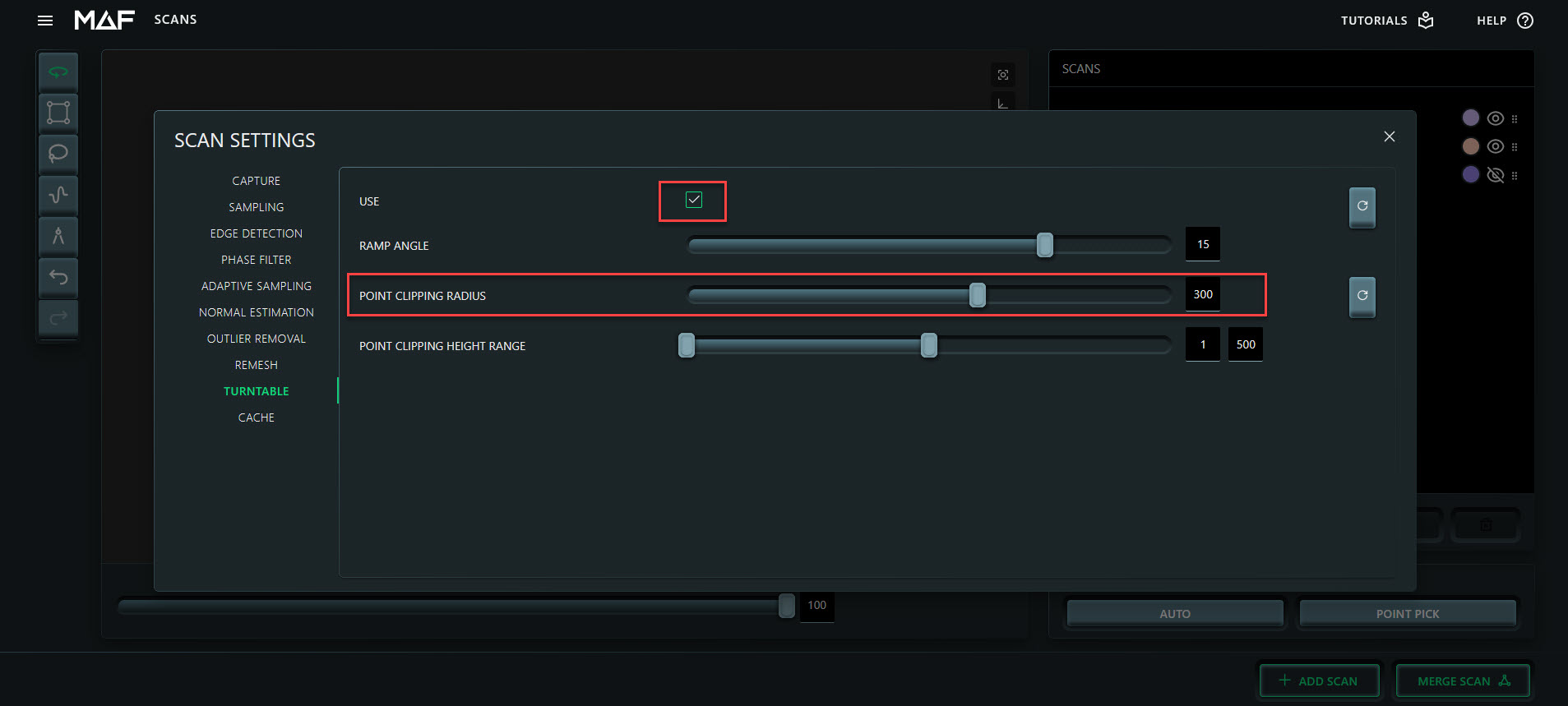
go to scan settings and increase the point clipping radius which is 150mm per default.
It's important to mark the "use" checkbox so that changed values are used.
By this you can easily increase the point clipping radius around the turntable.
Unfortunately markers are not supported by THREE so there is no benefit to apply them.
For large distance and black surface you should consider to use scanning spray.
Good luck with your project.
-
