Omiting scan improves result ?
-
When scanning a toilet part, I did three scans. Red and Blue are the top, Green is the bottom (you could argue the Blue is redundant).
Note how there is a black gap in the center which causes problems when creating the mesh.
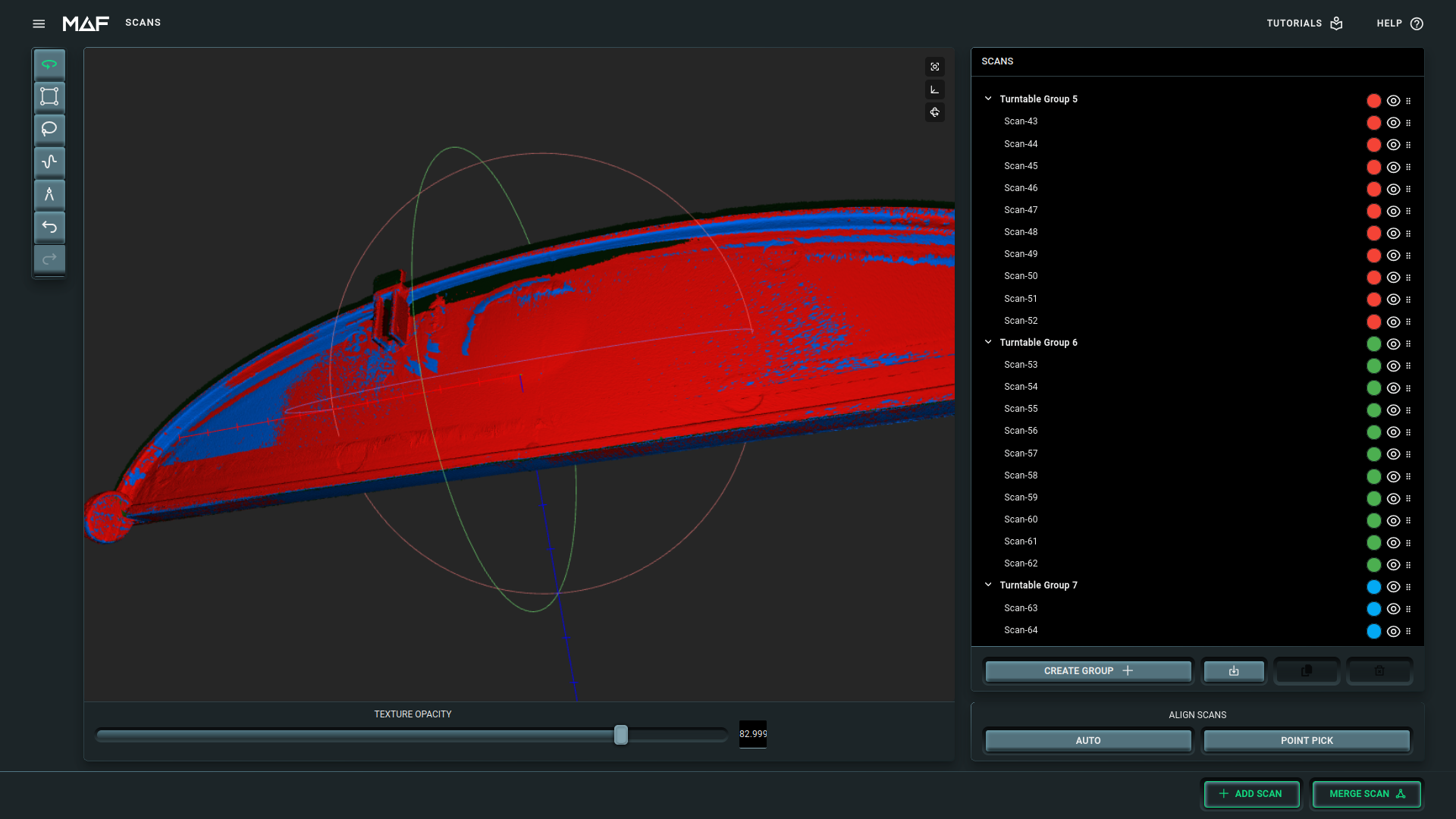
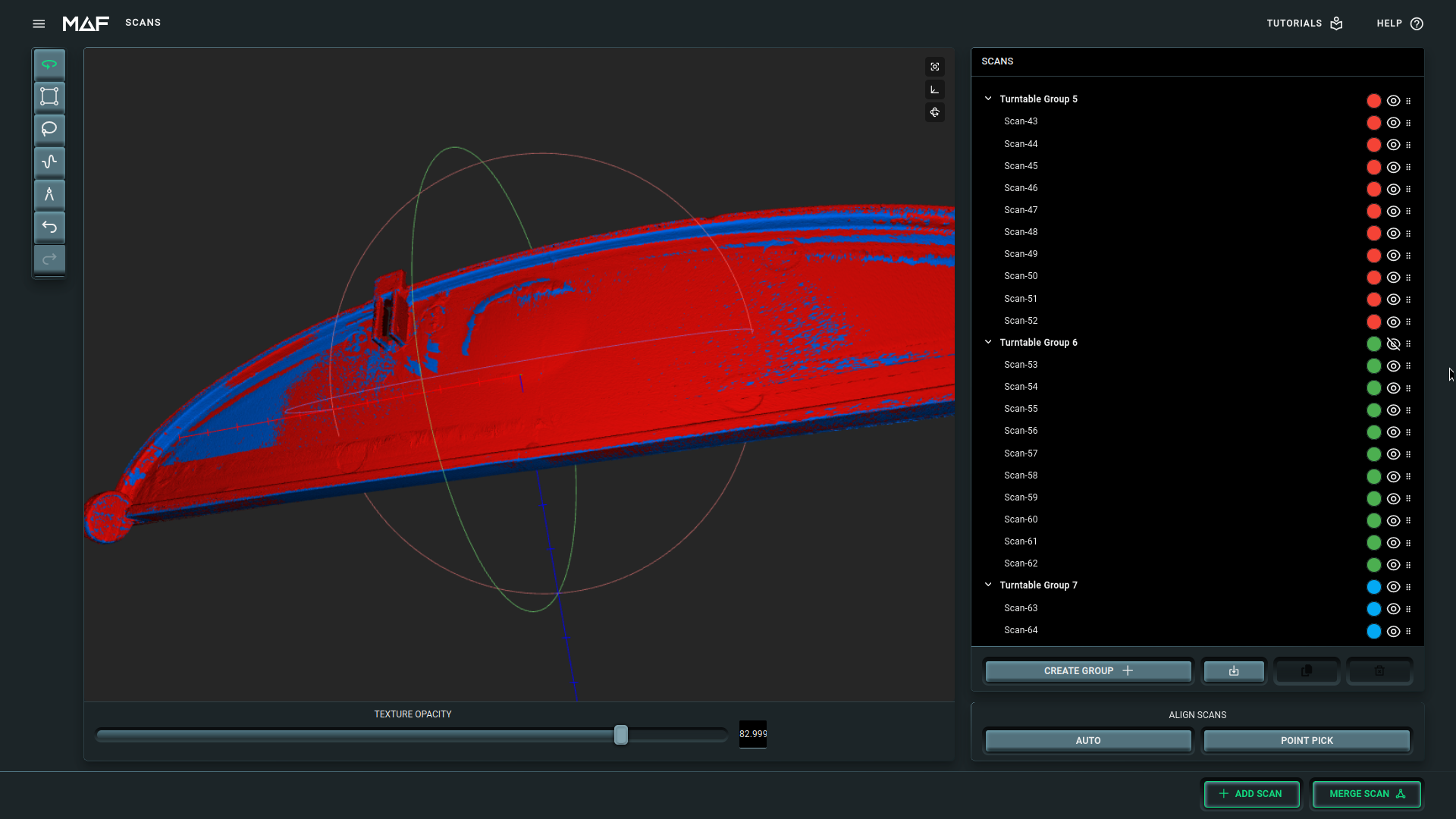
However, when I now hide the Green (turntable group 6), it suddenly looks much better ?!
I am quite surprised by this and I don't know how to solve it. Note that I need this group for the bottom part..
-
-
-
-
Please login to reply to this topic!
